Managing your service
The service page
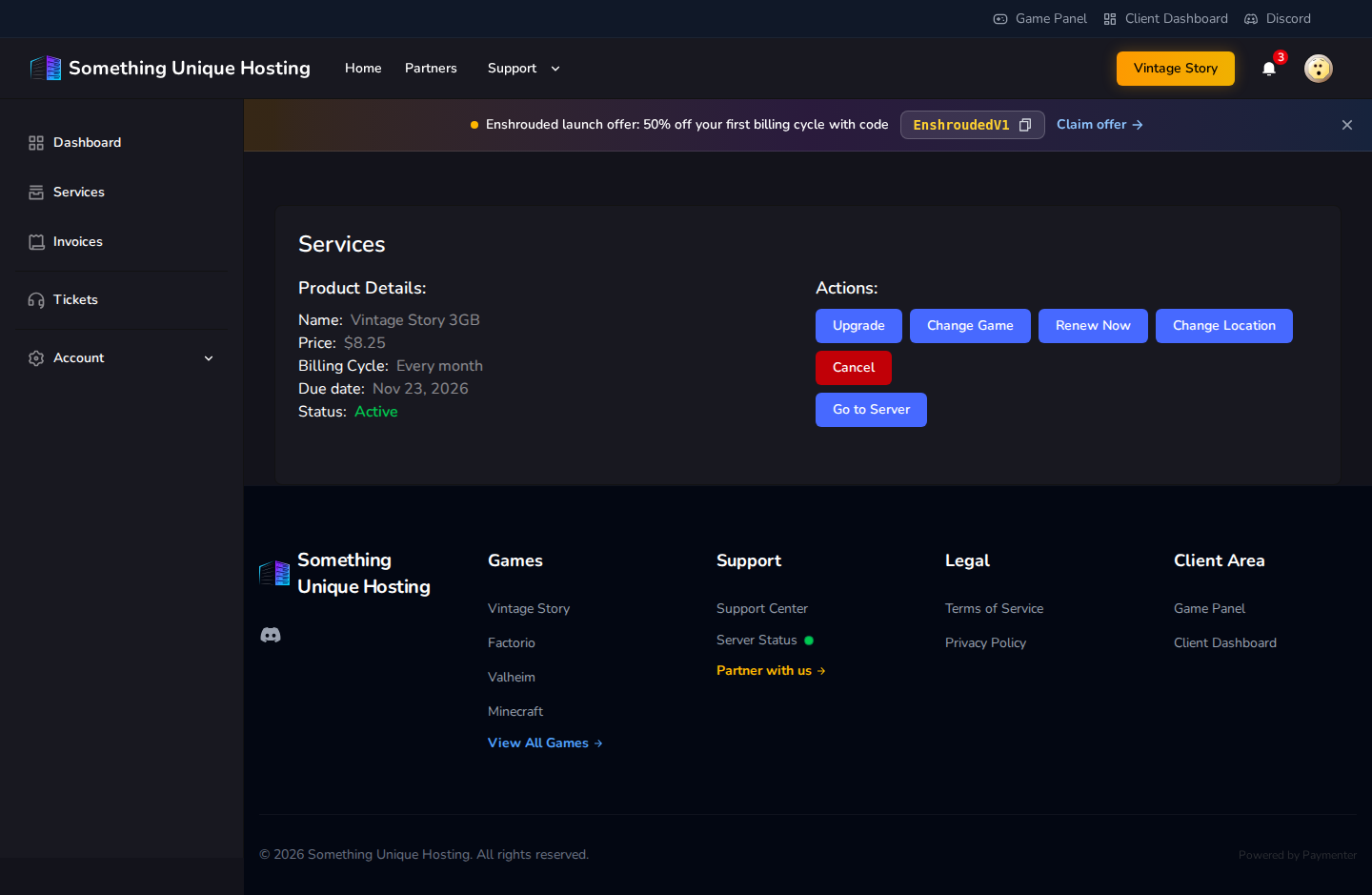
ComingClick soon.Services and choose a server. The service page shows its plan,
Price, Billing Cycle, Due date (when the next payment is due) and
Status.
Status
Meaning
Pending
Ordered but not paid yet
Active
Running normally
Suspended
Stopped because an invoice is overdue. Pay it to restore the server.
Cancellation Pending
Will be cancelled at the end of the billing period
Cancelled
Ended. The server and its data have been deleted.
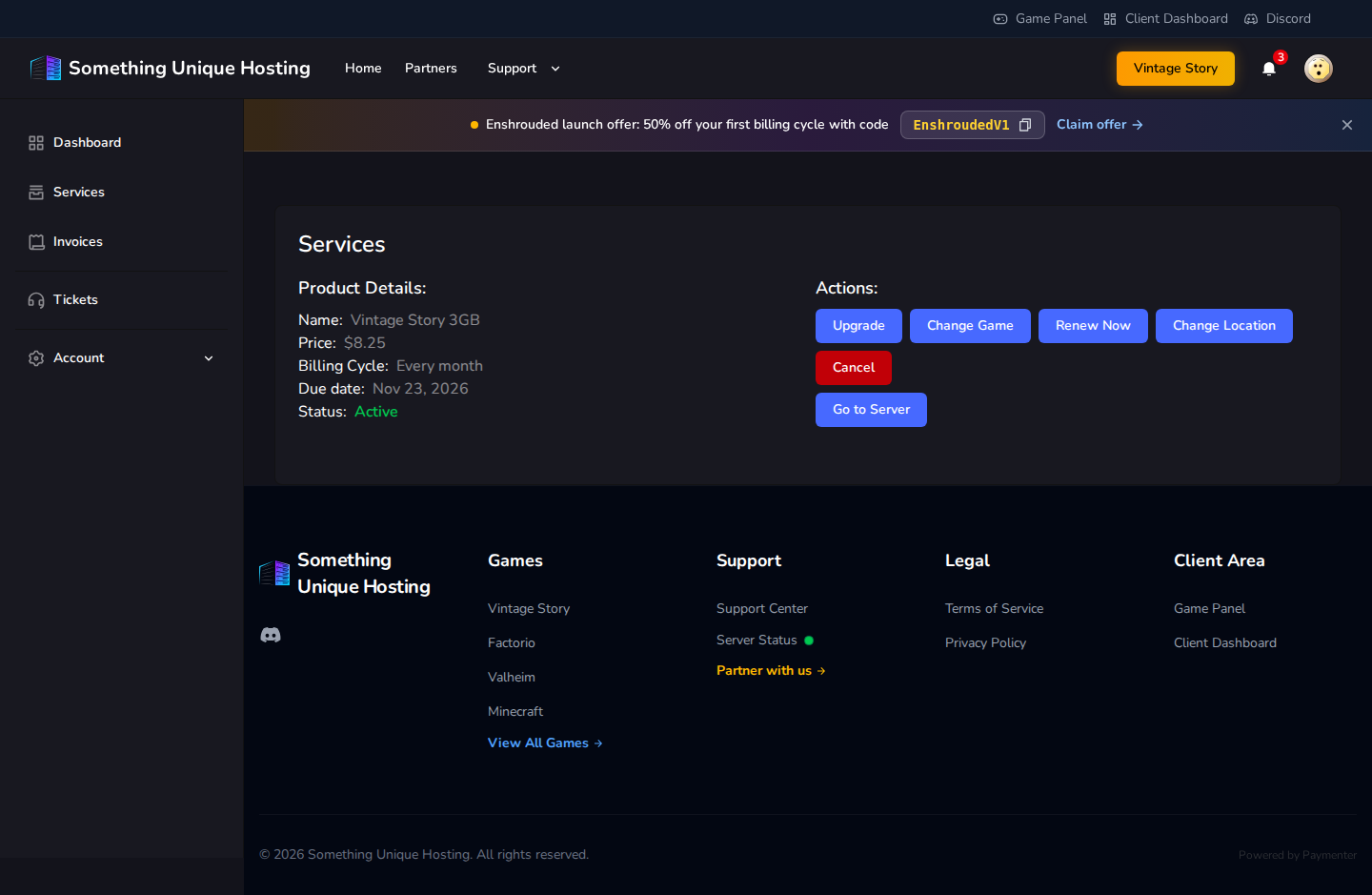
What you can do
Button
What it does
Guide
Go to Server
Opens the server in the game panel
Game panel tour
Upgrade
Move to a bigger (or smaller) plan
Upgrading or downgrading
Change Game
Switch to a different game
Changing game
Renew Now
Pay for the next period early
Renewals
Change Location
Move to another datacenter
Changing location
Claim Free Budget Server
Get a free extra server (larger plans only)
Free budget server
Cancel
End the service
Cancelling and refunds
Some buttons only appear when they apply. For example, Claim Free Budget
Server only appears on plans with 12 GB or more.