
The World page: live map, players and land claims
What this is about
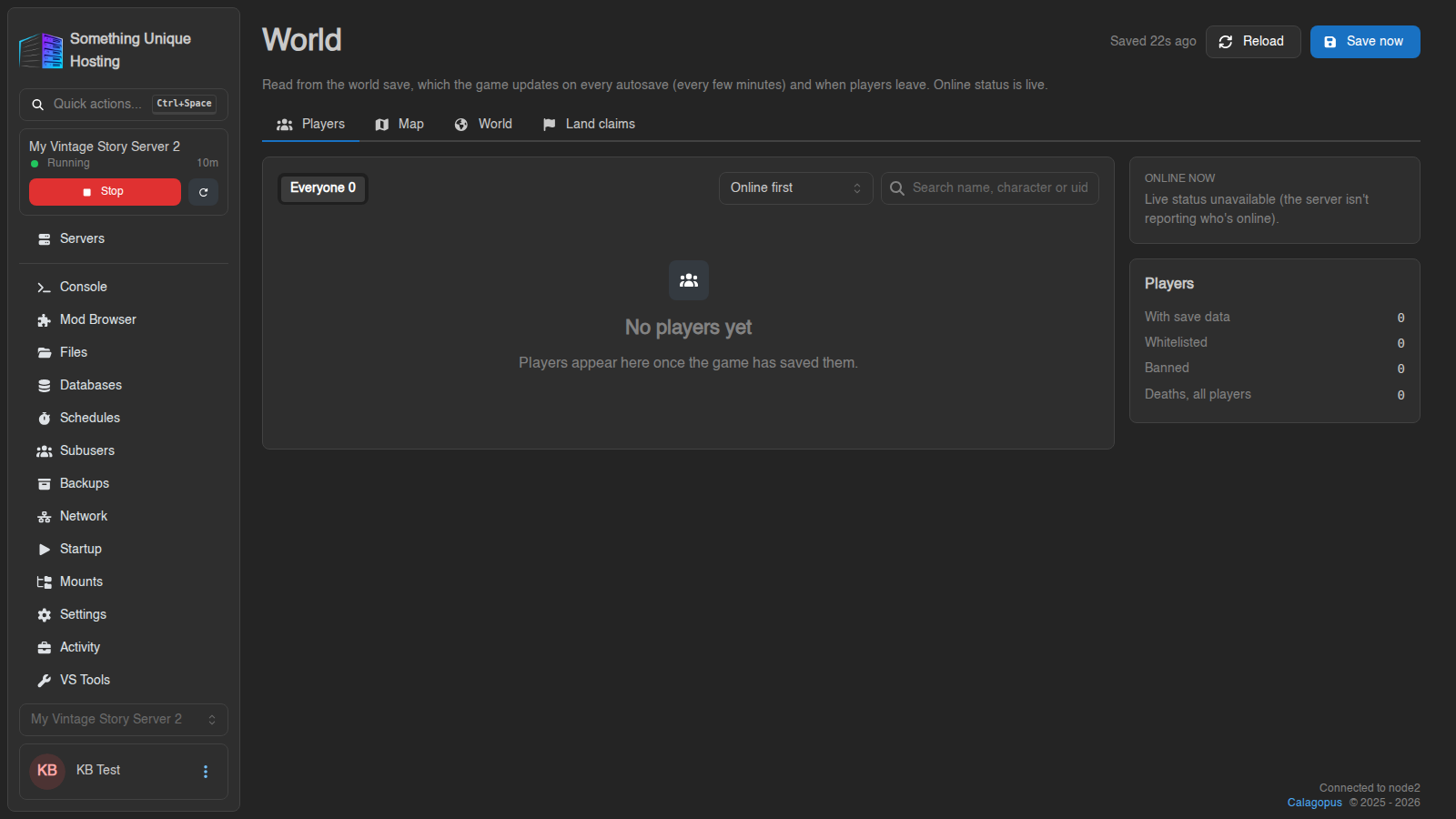
The World page shows what's happening in your Vintage Story world without joining the game:
- a map of your world, drawn from your actual save file
- every player: online status, position, health, deaths, and more
- land claims and world settings
- an optional public map link you can share with your community
Open your server and click World in the sidebar.
Where the information comes from
The World page reads your world save. The game updates it on every autosave (every few minutes) and when players leave. Online status is live, but positions and stats are from the last save.
Click Save now (top right, while the server is running) to make the game save immediately and refresh the page with the latest state.
The map
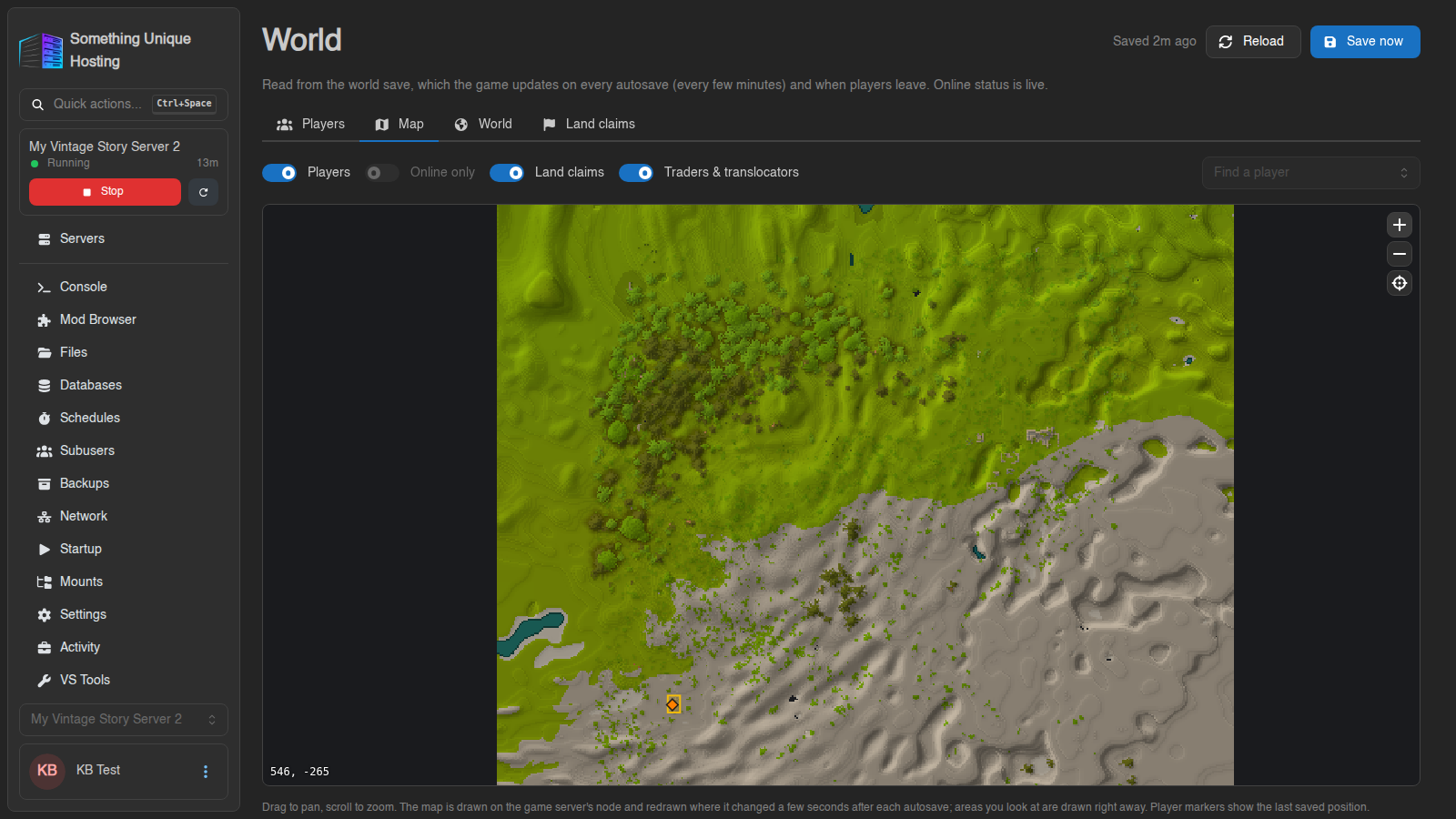
- Drag to move around, scroll (or pinch) to zoom. Coordinates under your cursor show bottom-left.
- Back to spawn (crosshair button) recentres the map.
- Zoom in far enough and you'll see real block textures. At medium zoom you'll see player faces and names.
- Find a player jumps to their last saved position.
Use the switches to show or hide Players (or Online only), Land claims, Traders & translocators, and TerraTag tags.
How the map is drawn
The first time anyone opens the map, the whole world is drawn. This can take a while on big worlds, and the progress shows on screen ("Drawing the whole world: X / Y regions"). After that, only areas that changed are redrawn, a few seconds after each autosave. Areas you're looking at are drawn first.
Explored somewhere new but it's not on the map yet? It will appear after the next autosave. Click Save now to speed it up.
TerraTag
If your server runs the TerraTag mod, the named areas and trails your players draw in game appear on the map too. Turn on TerraTag to see shared tags, and Players' tags to see each player's own. They show up after the next autosave.
Sharing a public map
Want your community to see the map without a panel account? Use the Public map card below the map:
- Switch it On.
- Choose what to show: Show players (or Online players only), Show land claims, Show traders & translocators, Show TerraTag tags (shared tags only, since players' own tags stay private).
- Copy the link that appears and share it, e.g. in your Discord.
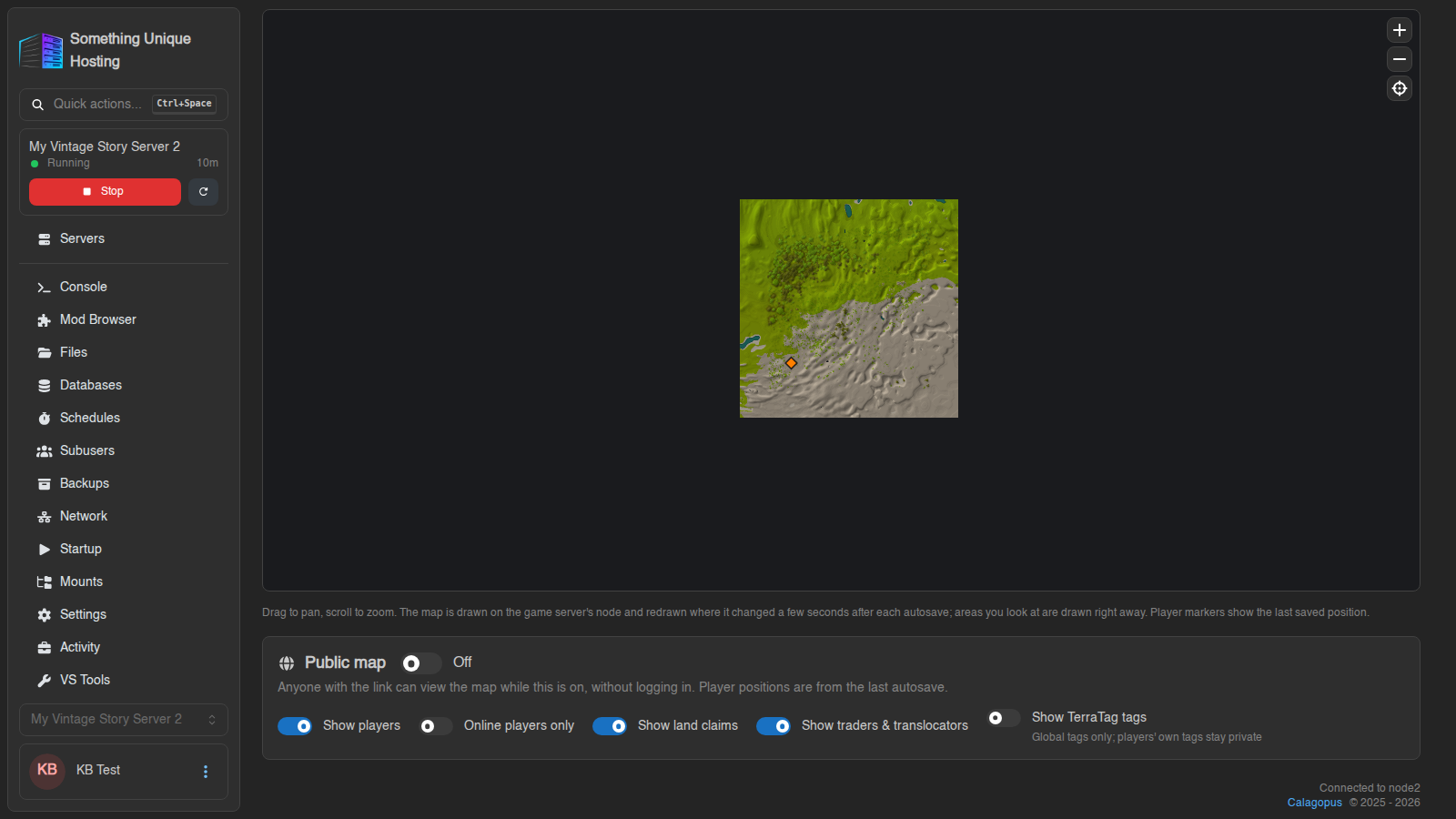
Anyone with the link can view the map, without logging in, while it's on. Switch it Off to stop sharing.
Player positions on a public map are visible to everyone with the link. On PvP servers, consider turning Show players off.
Players
The Players tab lists everyone who has joined, with filters like Online first and Most deaths. Click a player for their details: position, health, hunger, deaths and (with permission) inventory.
World and Land claims
- World shows the world's settings: player lives, temporal storms, grace timer, world size, and more.
- Land claims lists every claim with its Owner, Areas, size in Blocks, and Members.
Giving friends access
Subusers need the World permissions to see this page. The vsworld.read
permission covers players, the map and claims. Inventories, the public-map
setting and player actions each have their own permission. See Subusers.
No comments to display
No comments to display