
The Activity log: who did what
What this is about
ComingThe soon.Activity tab records everything that happens to your server: who
started or stopped it, which files were edited, backups, schedule runs, and
console commands. If something changed and you don't know why, look here first.
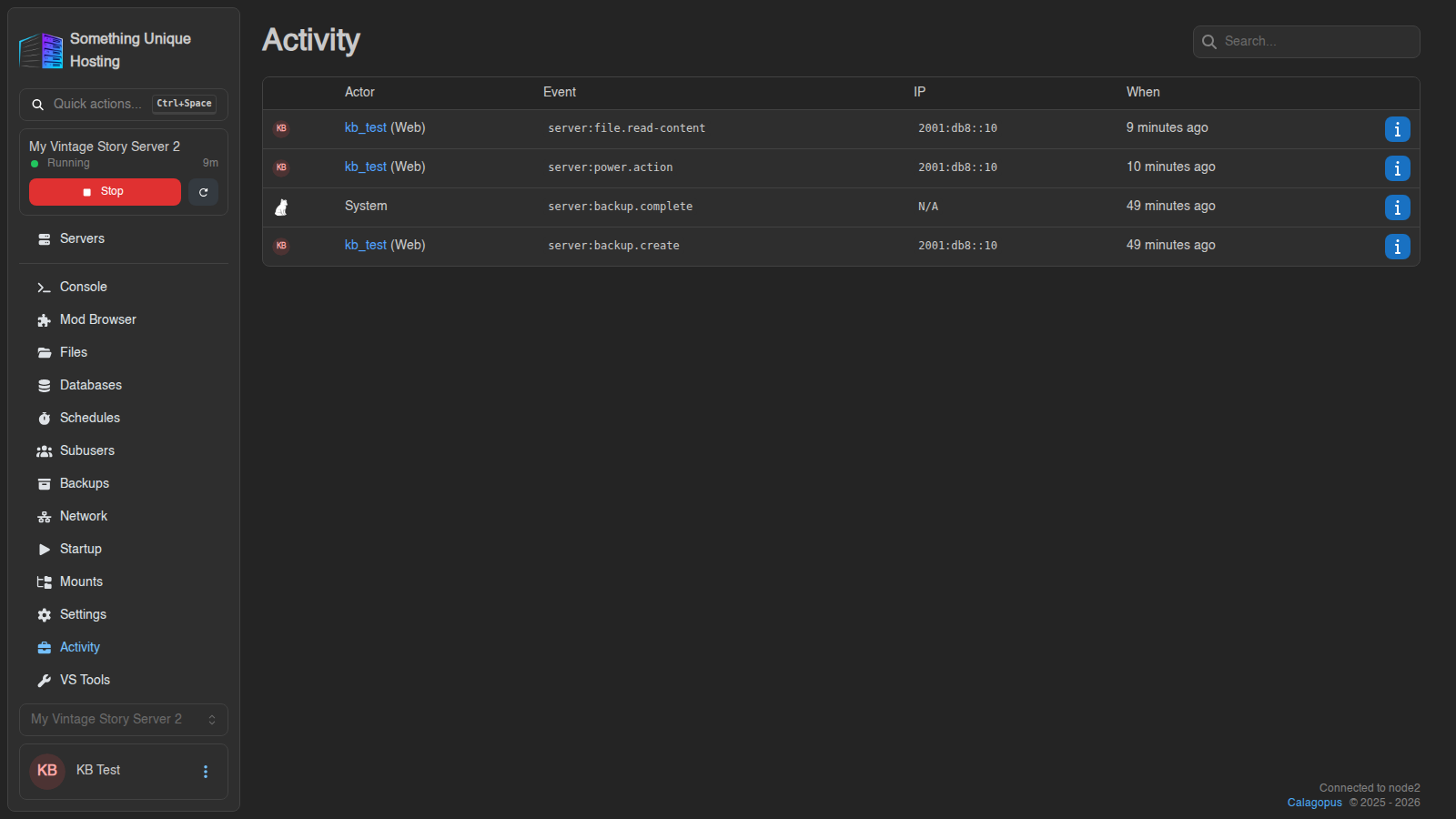
Reading the event names
Events look like server:power.action. The common ones:
server:power.action
Start, stop, restart or kill
server:console.command
A command was typed into the console
server:file.write
A file was edited and saved
server:file.read-content
A file was opened
server:file.delete, …rename, …copy
Files deleted, renamed or copied
server:file.compress, …decompress, …pull
Archives made or extracted, files pulled from a URL
server:backup.create, …restore, …complete
Backups
server:schedule.trigger
A schedule ran
server:subuser.create, …update, …delete
Subusers changed
server:startup.variables
Startup settings changed
server:settings.install
The server was reinstalled
server:settings.change-egg
The game was switched with the Egg Changer
For edited files, a branch icon next to the event opens a diff showing exactly what changed.
Searching and filtering
backup or a subuser's name.
Click a username in the Actor column to show only their actions. Clear User Filter shows everyone again.