Mounts: extra storage attached to your server
What this is about
A mount is extra storage or a shared folder that our staff can attach to
your server. It appears inside your server's files at a fixed path (the
Target, for example /home/container/shared), and it can be read-only or
writable. Mounts are set up by us on the machine your server runs on. You can't
create one yourself.
The Mounts tab shows the mounts staff have made available for your server, and lets you switch them on or off. Most servers don't use mounts at all, so for most customers this tab is simply empty.
SCREENSHOT_MOUNTS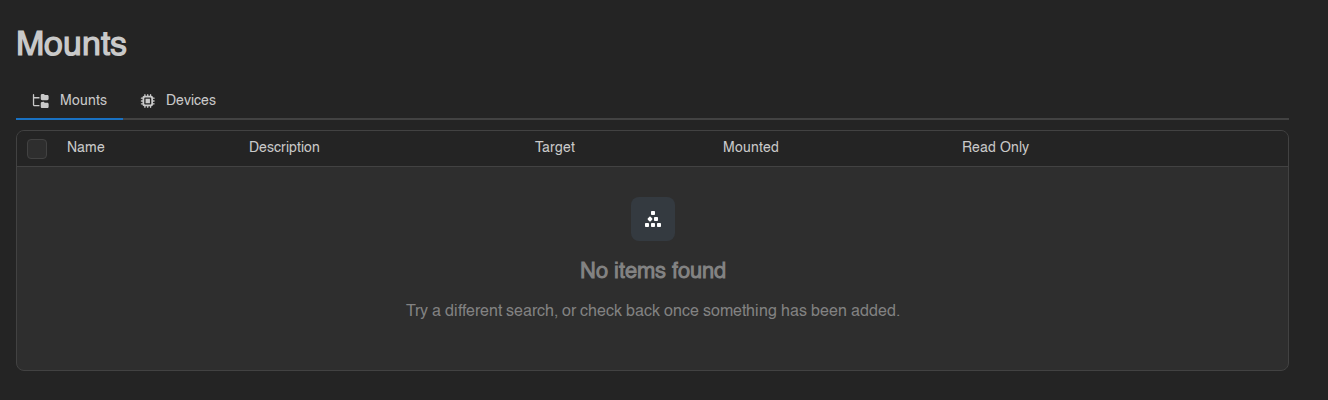
The empty state
If you see No items found, nothing has been made available for your server. That's normal. The message "Try a different search, or check back once something has been added" is the panel's standard empty table text. There's nothing to search for here, and nothing will be added unless you've arranged it with us.
When a mount is available
If staff have made a mount available for your server, it shows as a row in the table:
| Column | Meaning |
|---|---|
| Name and Description | What the mount is, as staff named it |
| Target | The path inside your server where the mount appears |
| Mounted | Green tick: the mount is attached and your server can see it. Red cross: available, but not attached |
| Read Only | Green tick: your server can read the files but not change them |
To attach a mount:
- Click the green + at the end of the row.
- Confirm Attach in the Attach Mount window. The panel shows "… has been mounted to your server".
To detach it, click the red – on the row and confirm Detach. You can also tick several rows and use Attach or Detach in the bar that appears.
Attaching or detaching changes what your server sees at its Target path. Do it while the server is stopped, then start it again. Detaching doesn't delete anything; the files stay where they live, your server just can't see them any more.
Some mounts are attached by staff permanently and don't show up in this list. If a folder appears in your file manager that you don't recognise, that's probably one of those.
The Devices sub-tab
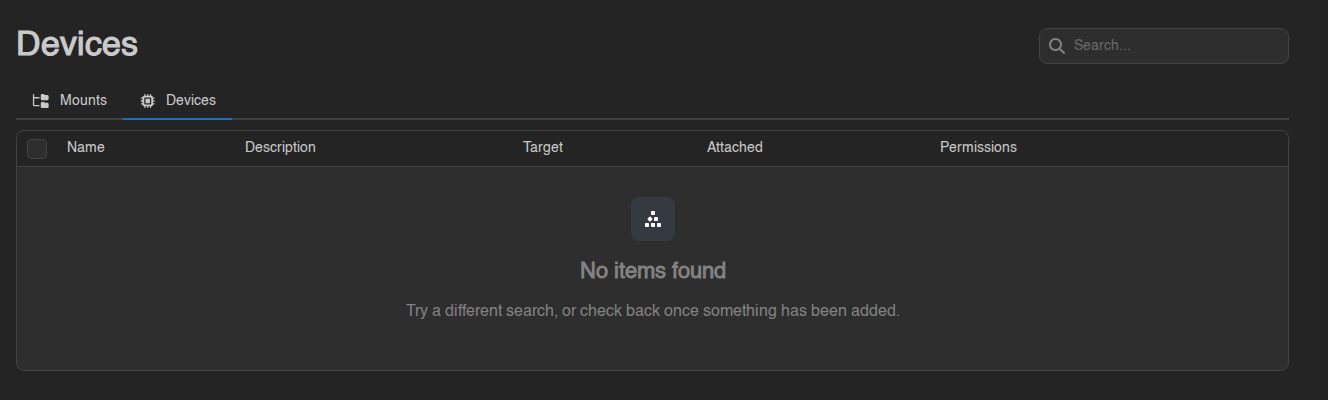
Devices works the same way, but for hardware passthrough (for example a
device under /dev/...) instead of a folder. The Attached column shows
whether it's active and Permissions shows the access level staff gave it.
Hardly any game server needs this. If your server's Devices tab shows
No items found, that's expected.
SCREENSHOT_DEVICES