
Changing your game (Egg Changer)
WhatUse thisthe isbilling aboutsite to change game
Want to switch your server to a different game, or a different versiontype of the
same game (for examplee.g. Minecraft Paper → Fabric)? Do it from the billing site's
Change Game button, withoutnot orderingfrom athe newgame server?panel:
Full guide: Changing game.
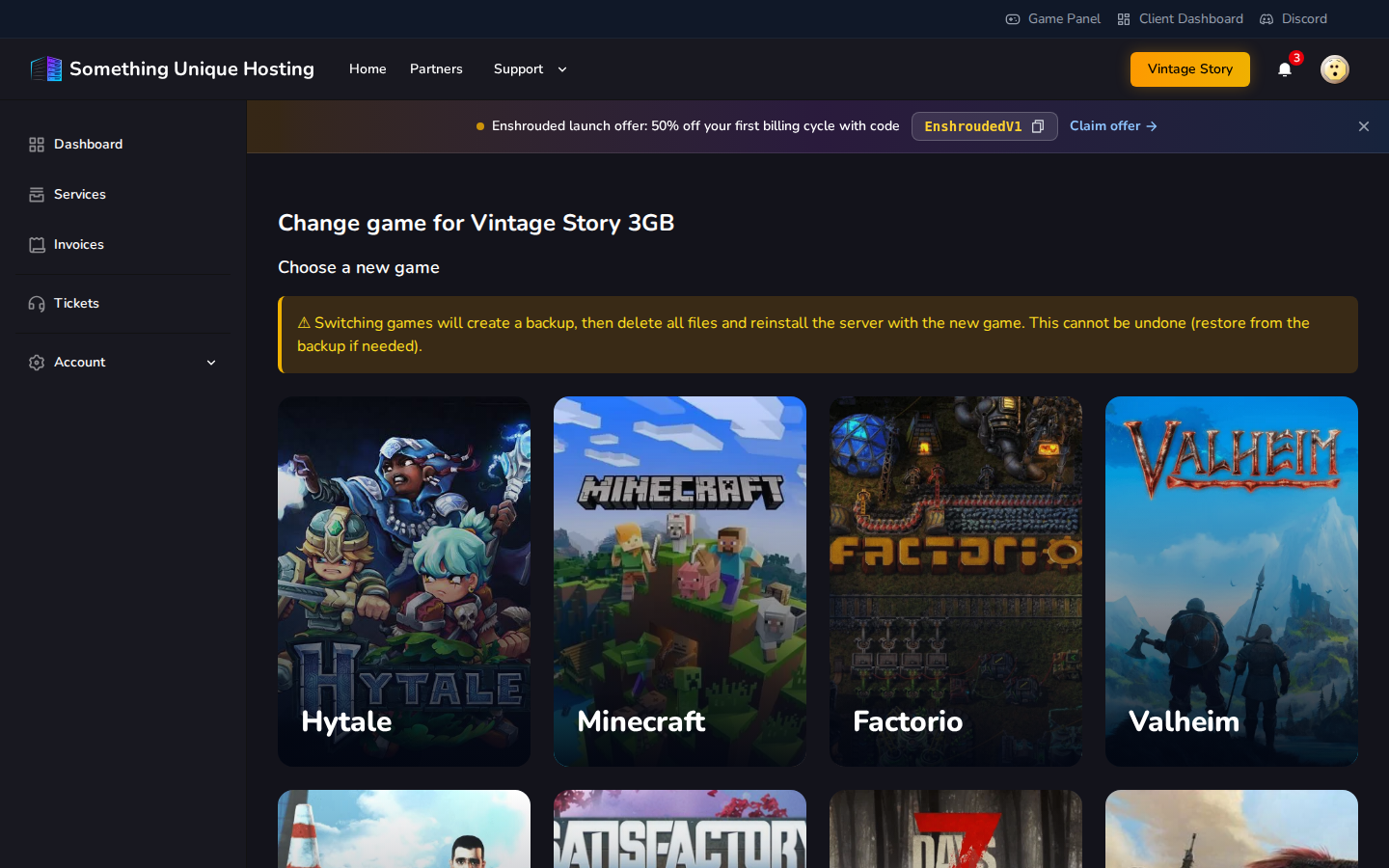
Why not the Egg Changer in the panel?
The game panel's Settings tab has an Egg Changer doescard that. In(in the panelpanel,
each game or server type is called an egg). It does switch the game, but the
billing site doesn't find out.
You'llPlease finddon't ituse asthe panel's Egg Changer to change game. The billing site still thinks your server runs the old game and plan. If your server ever has to be rebuilt (for example during maintenance or a move), it's reinstalled with the Eggoriginal Changergame card at the bottom of the Settings tab.

Which games can I switch to?
The Egg list only shows what your current server can switch to. For
example, a Vintage Story server can currently switch to:
If the list says "No eggs available to switch to.", there's nothing set up
for your current game. Open a ticket and we'll see what we can do.
Your plan's RAM, CPU and disk stay the same whatever you switch to. Some games need more resources than others, so check your plan is big enough. See Upgrade/Downgrading Servers.
Switching

Change
GameShould I delete all files?
Deleting files cannot be undone. The button turns red as a reminder.