
Ordering a server
1. Pick your game
ComingOn soon.suhosting.net, scroll to the games or use View All
Games, then pick yours. You'll see the plans for that game. Click
Configure Server on the one you want.
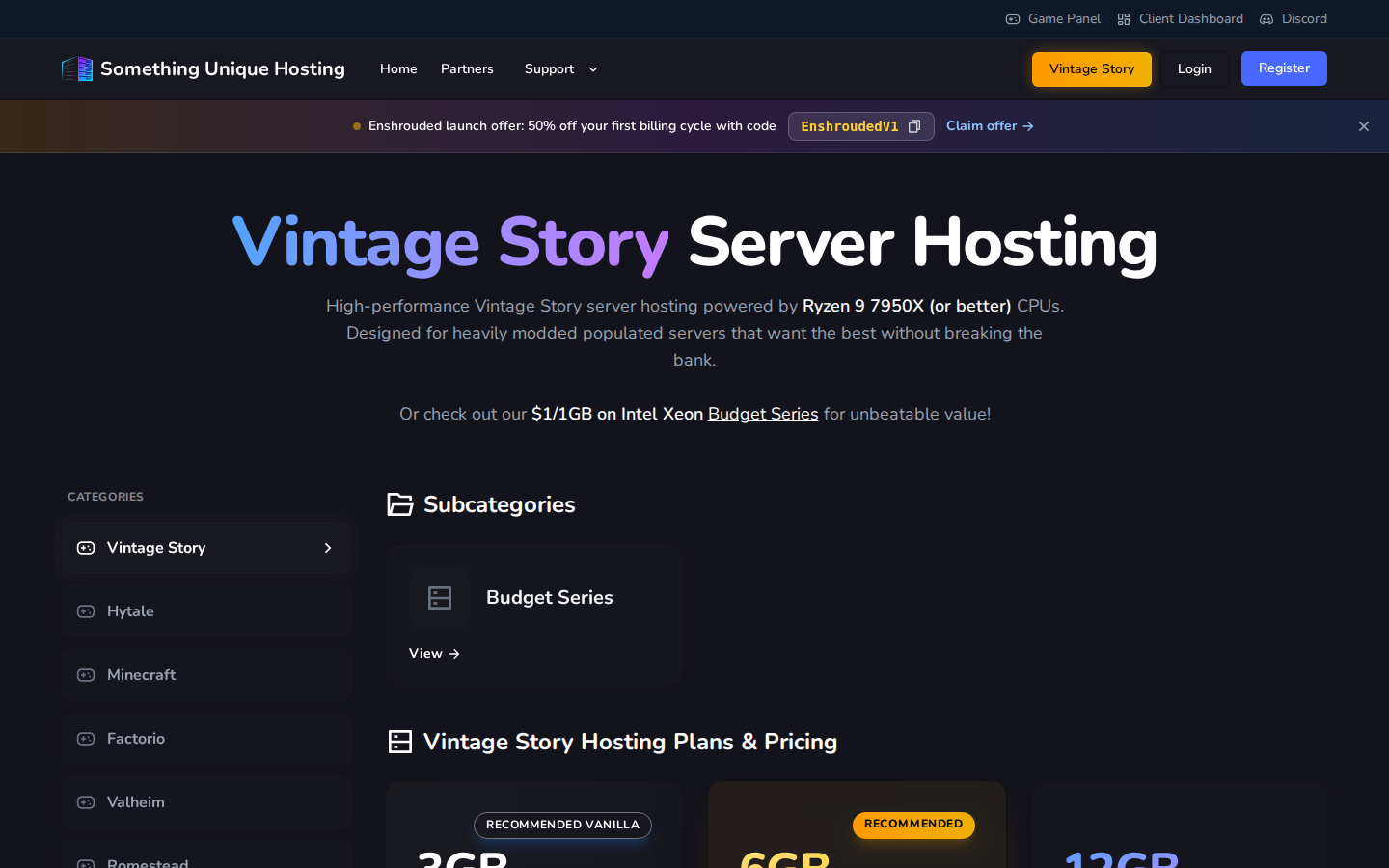
Not sure how much memory you need? Start small. You can upgrade any time and only pay the difference.
2. Configure it
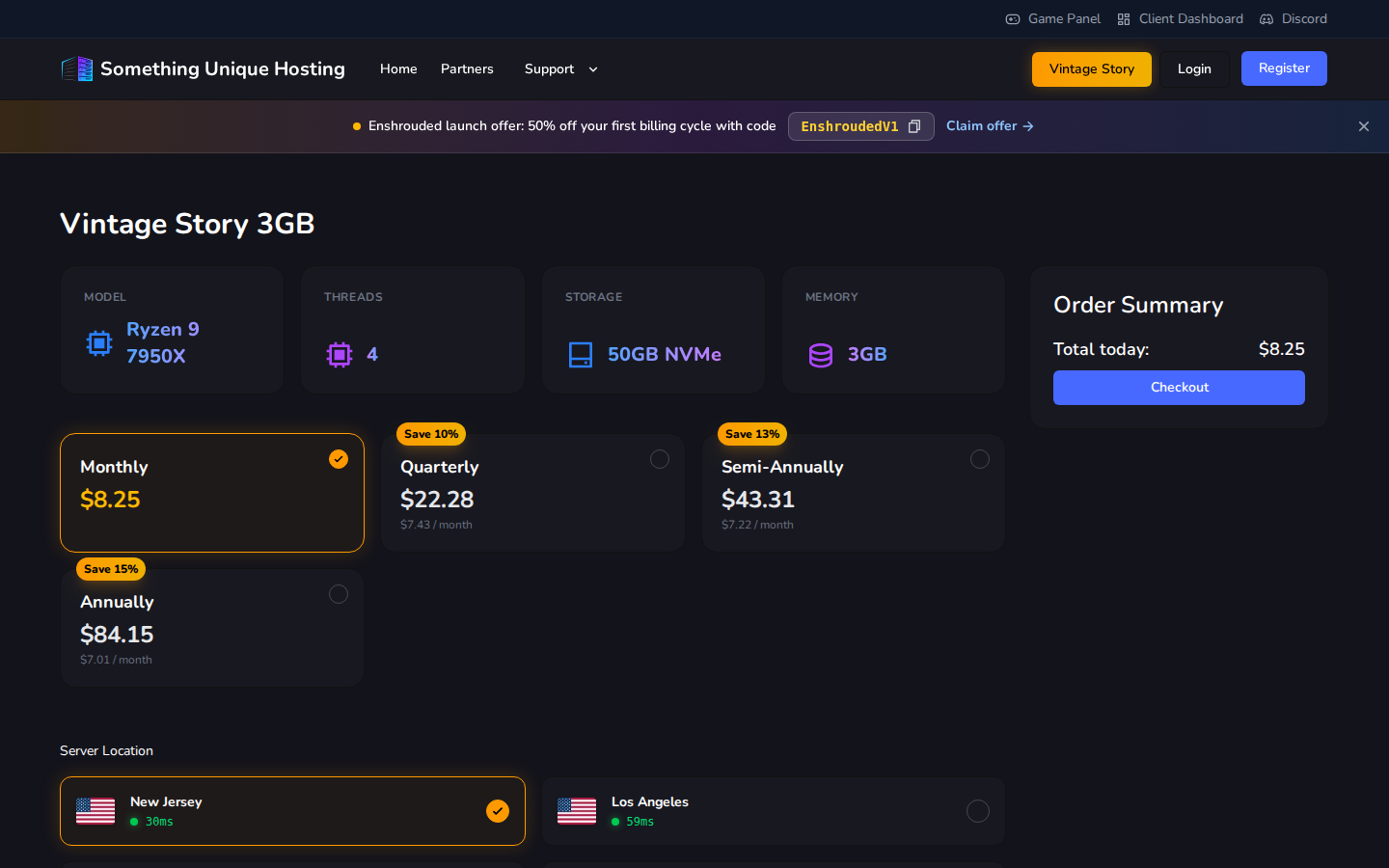
The Order Summary on the right shows what you'll pay today. Click Checkout.
3. Checkout
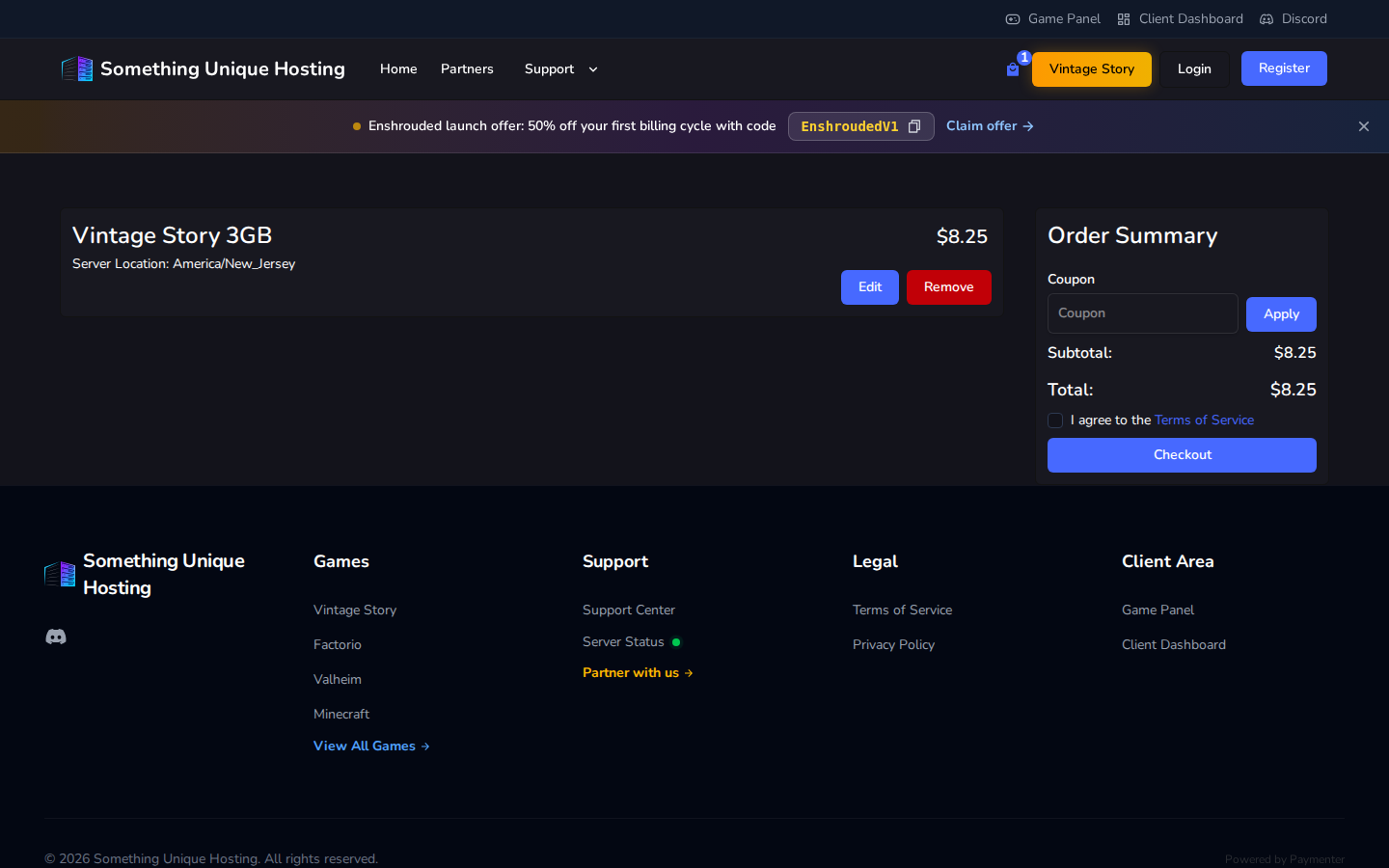
Unpaid orders are cancelled after 7 days. If you change your mind, just don't pay. Nothing else to do.
4. Start playing
As soon as payment goes through, your server is created automatically. It usually takes a minute or two.
Next: Start here: a tour of the game panel.
Coupons and promotions
Current offers appear in the banner at the top of the site. Click the code to copy it. Most coupons apply to your first invoice only, and renewals are at the normal price.
Budget Series servers aren't eligible for coupons or partner codes.