Account credit
What is account credit?
ComingCredit soon.is money held on your account that pays invoices first. You get it by:
Adding funds yourself (below)
Downgrading a server: the unused difference comes back as credit. See Upgrading or downgrading.
Partner program earnings, if you choose credit instead of a payout. See Partner program.
Adding credit
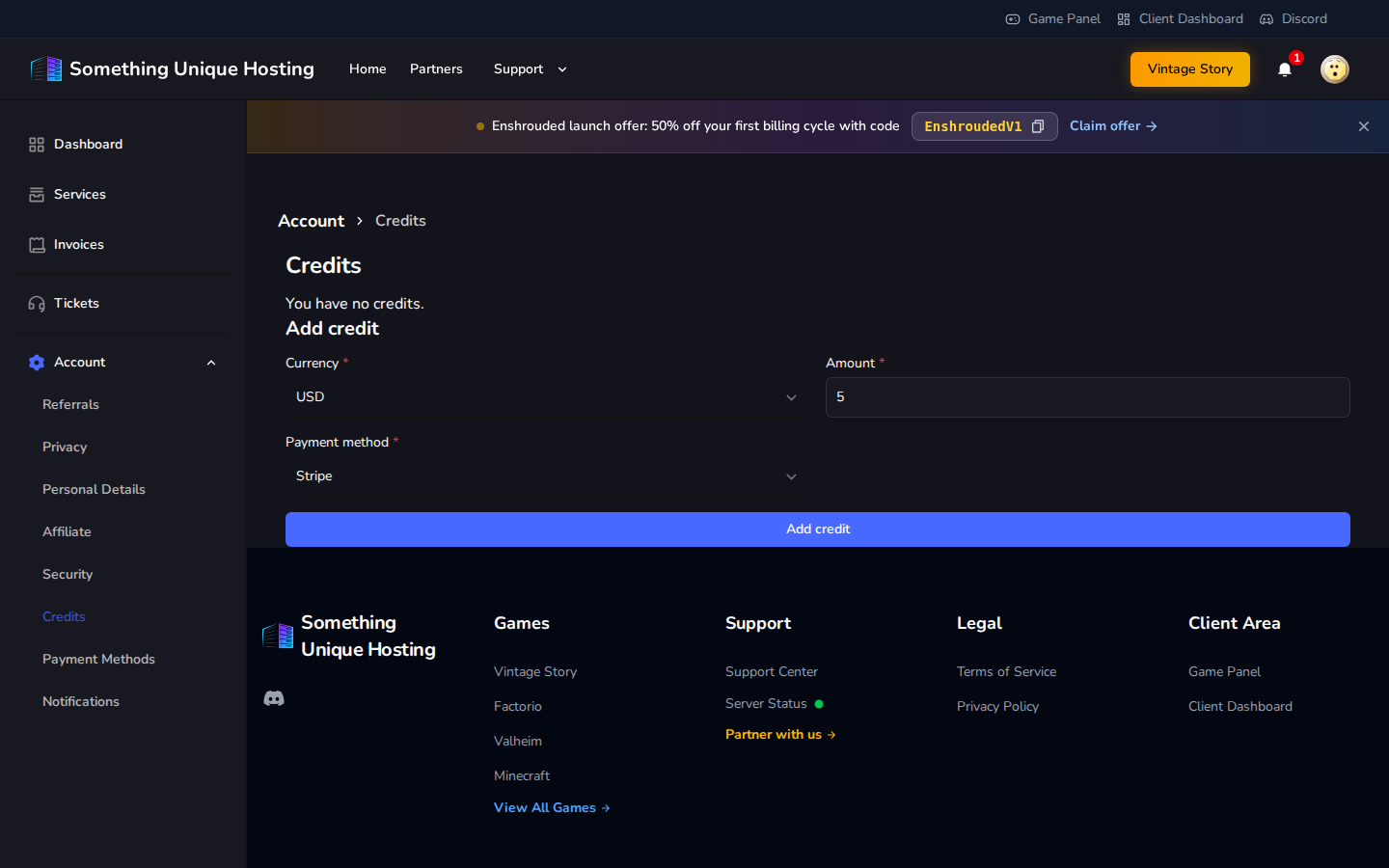
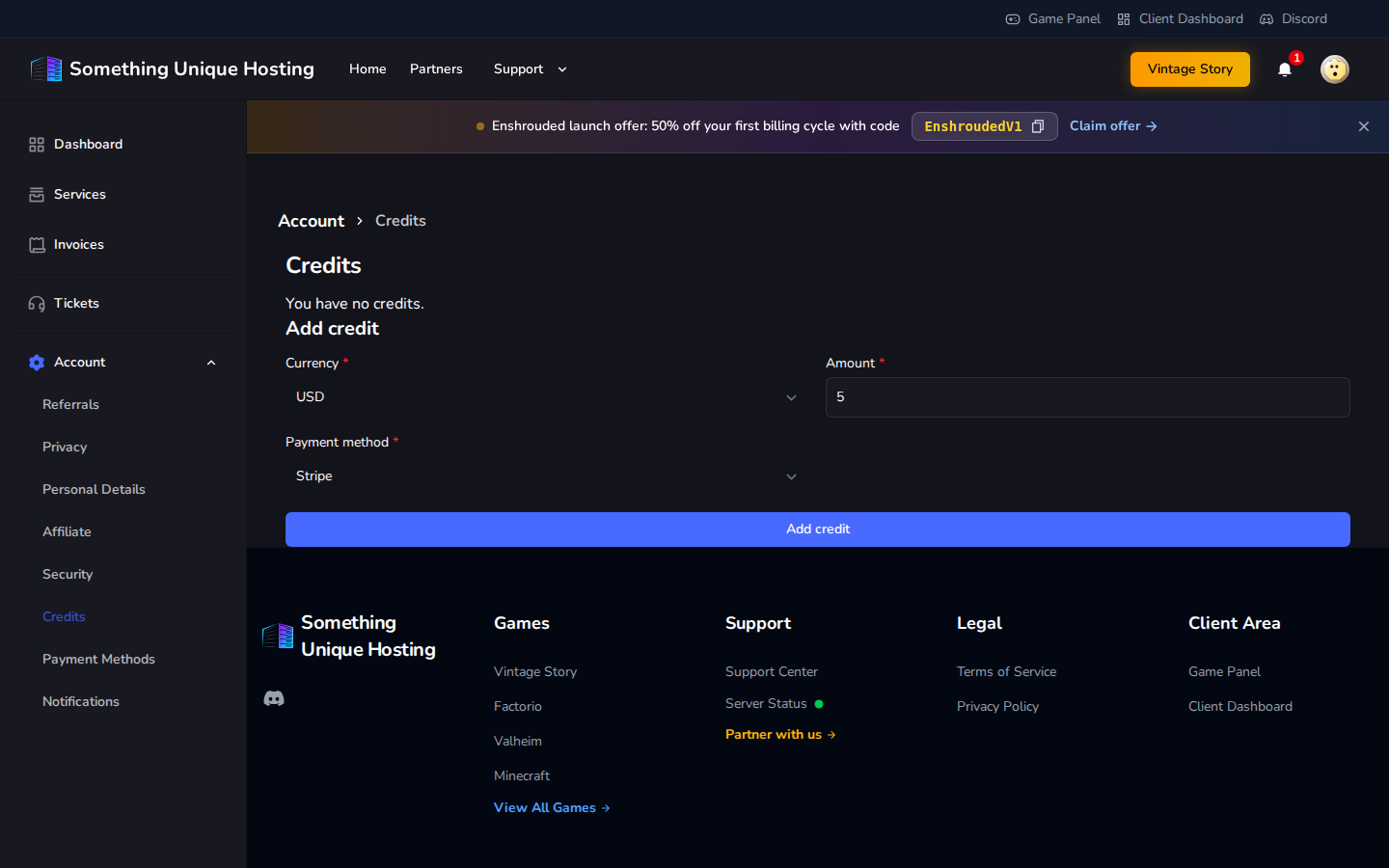
Go to Account → Credits.
Enter the Amount and choose a Payment method.
Click Add credit and pay the invoice that's created.
Limit
Amount
Minimum per deposit
$5
Maximum per deposit
$100
Maximum balance
$300
You can only have one unpaid credit invoice at a time. Pay it before adding more.
How credit is used
Renewals: credit pays a renewal invoice automatically, but only if your balance covers the whole invoice. If it doesn't, nothing is taken automatically.
Any invoice, by hand: open the invoice, click Pay Now and choose Account Credits. If you don't have enough, use Apply Credits and Continue to use what you have and pay the rest another way.
Credit can't be used to buy more credit, and it can't be withdrawn as cash.