How to upload saves
If you're going to use an existing save first open VintageStory and click singleplayer, then click the "Open Saves Folder" button in the bottom left.
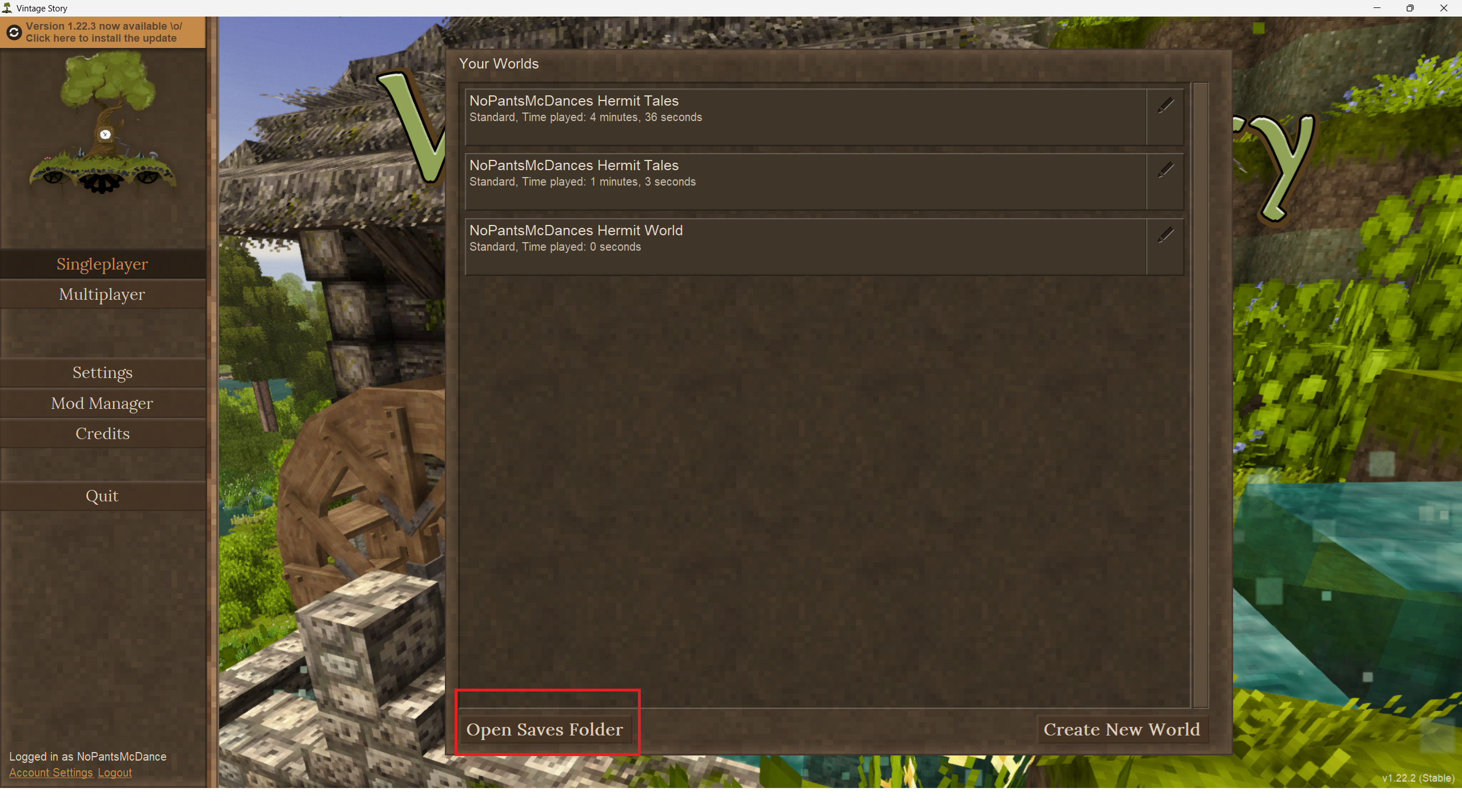
Once the folder is open go to the game panel and click your server.
If the server is currently running stop it first.
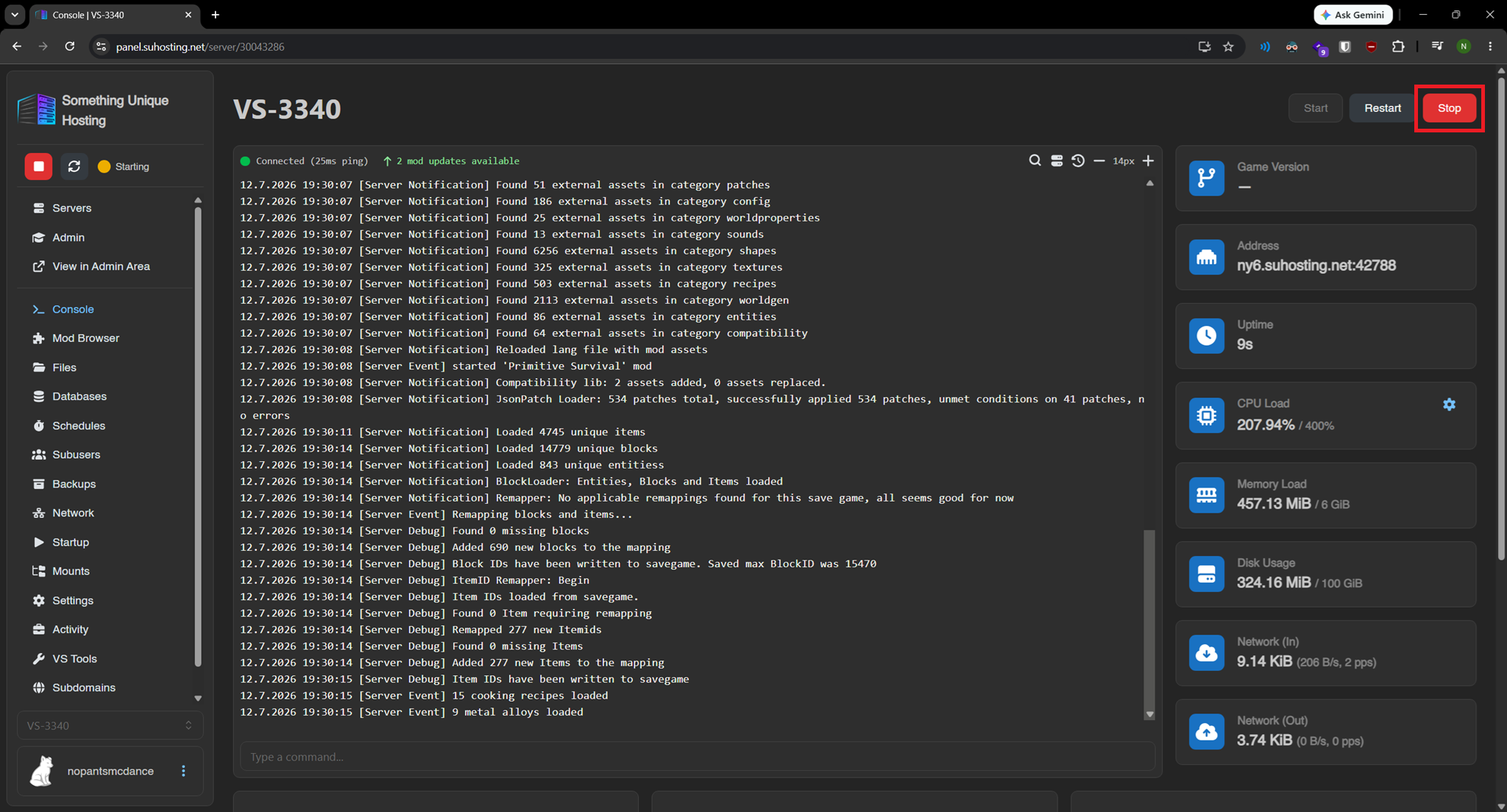 Then go to the "files" tab.
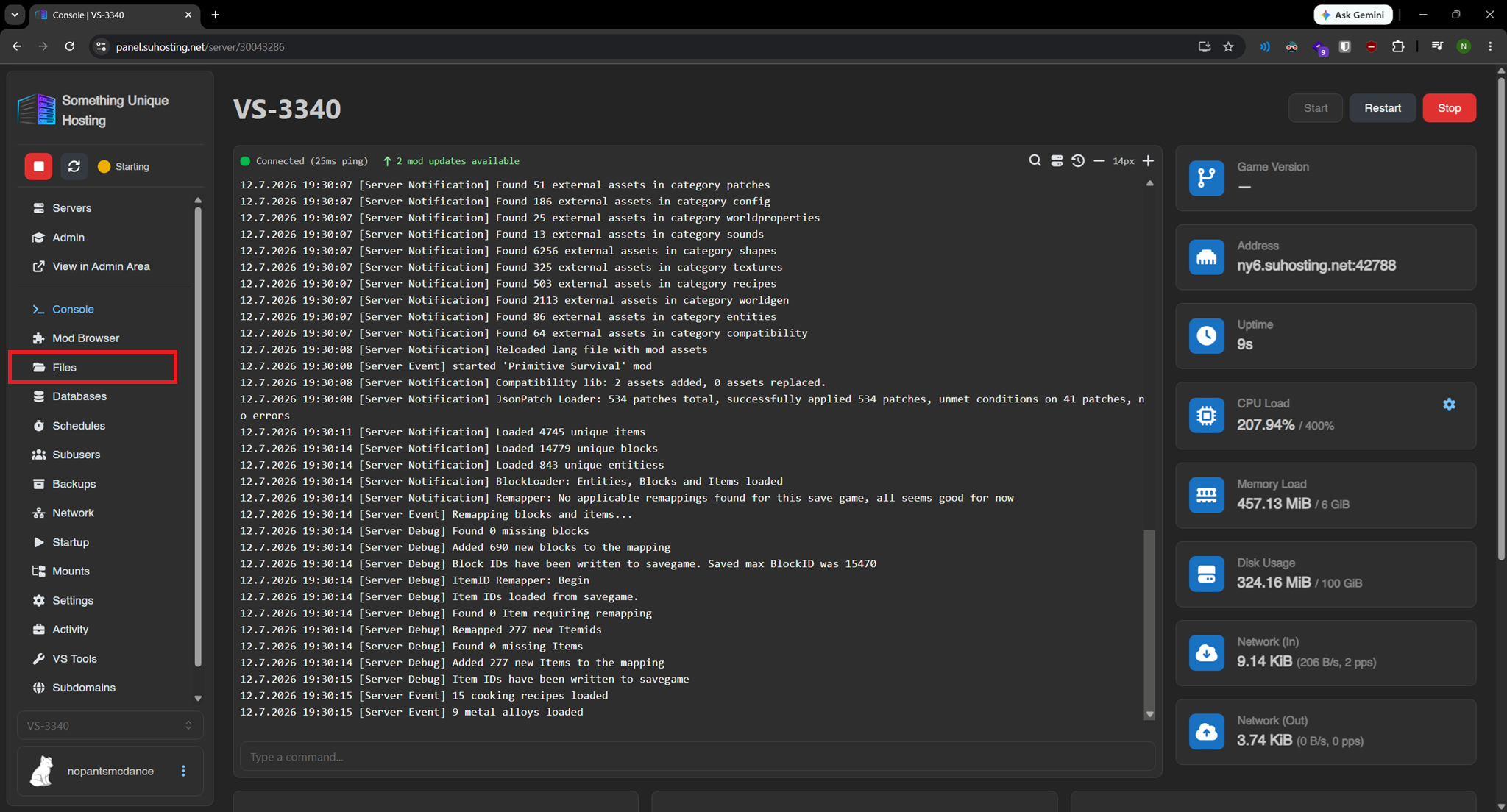
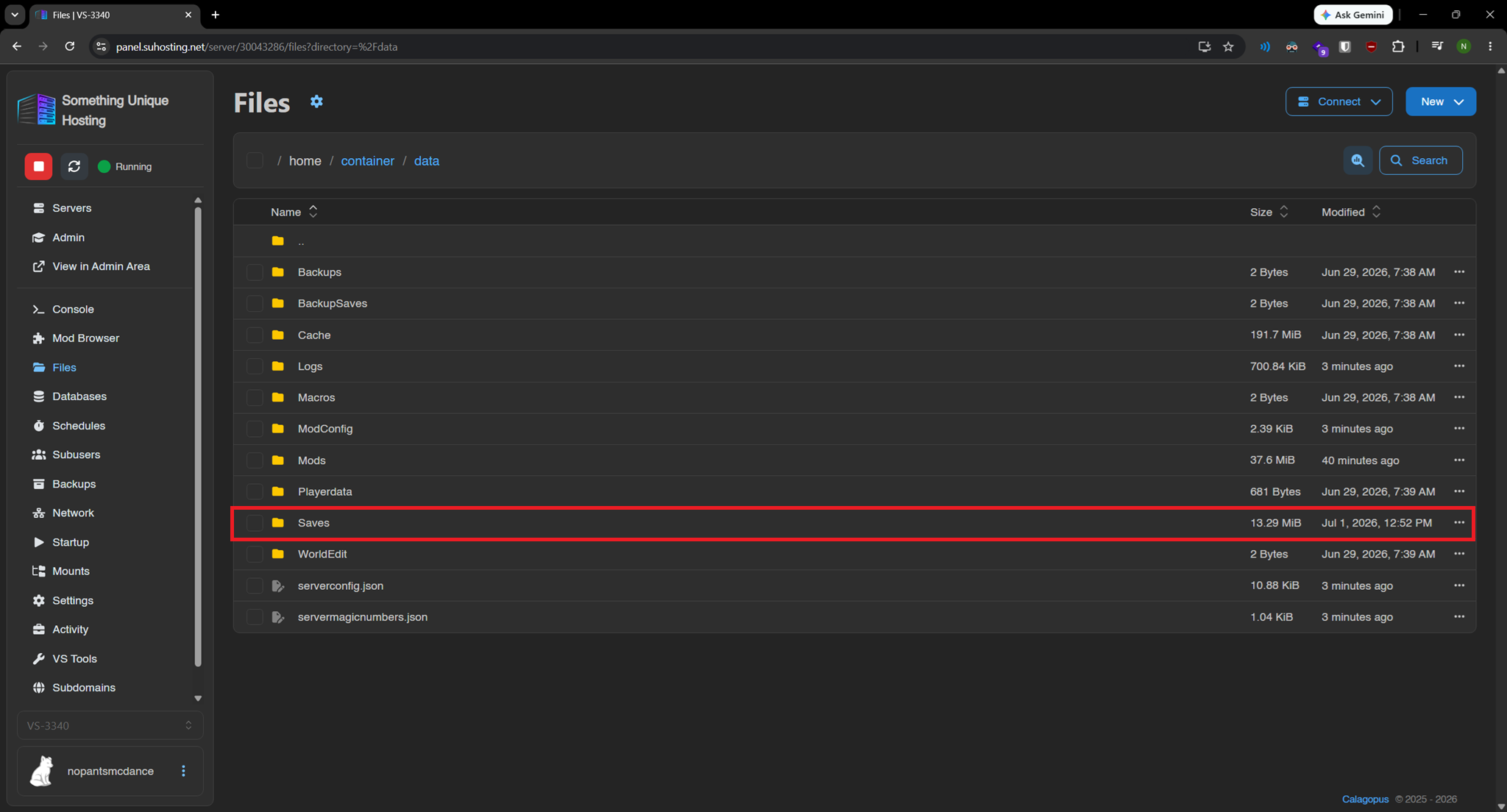
Once inside the files tab go to the data/Saves folder. IF THE SAVES FOLDER DOESN'T EXIST START THE SERVER FIRST.
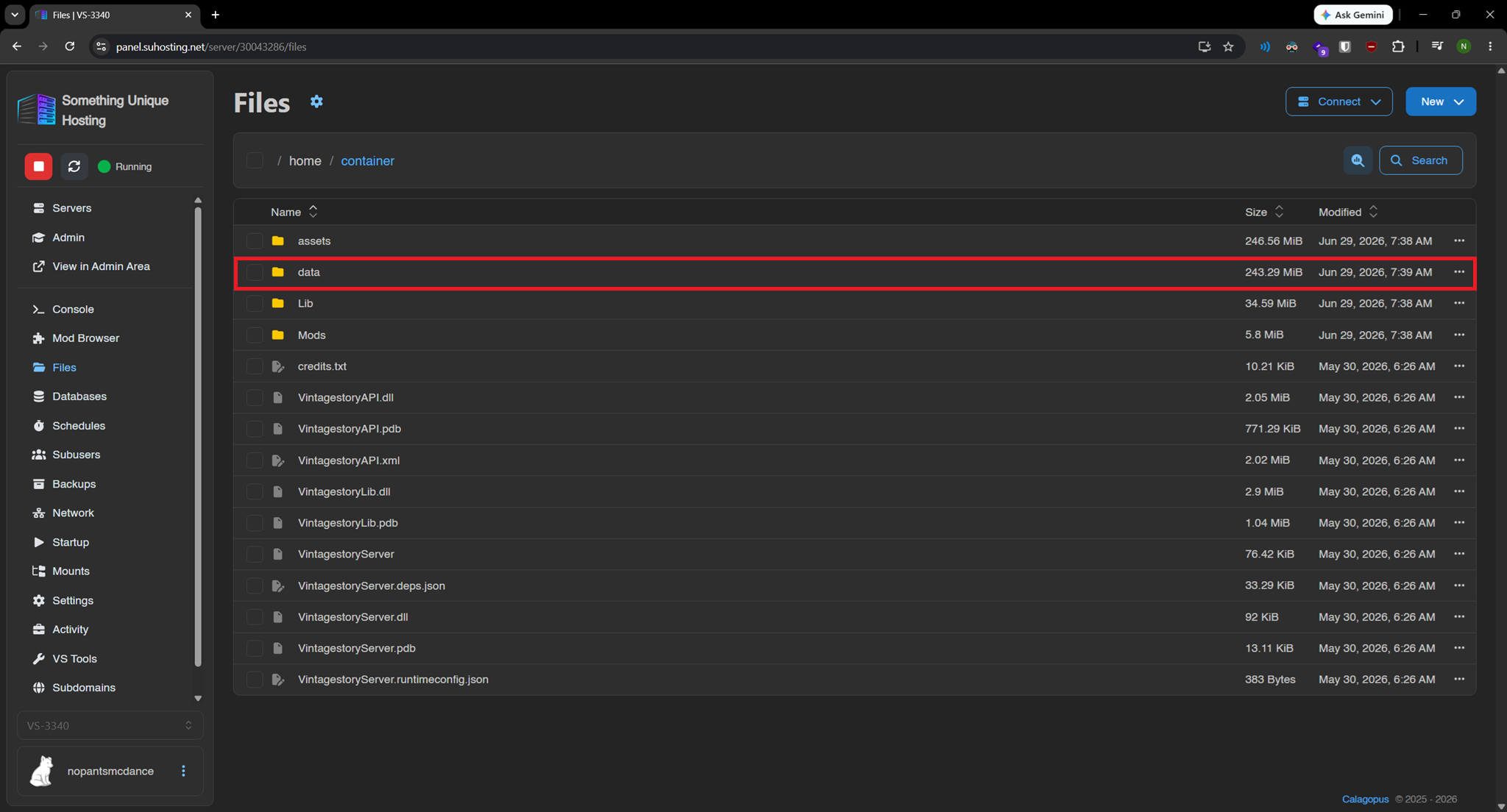
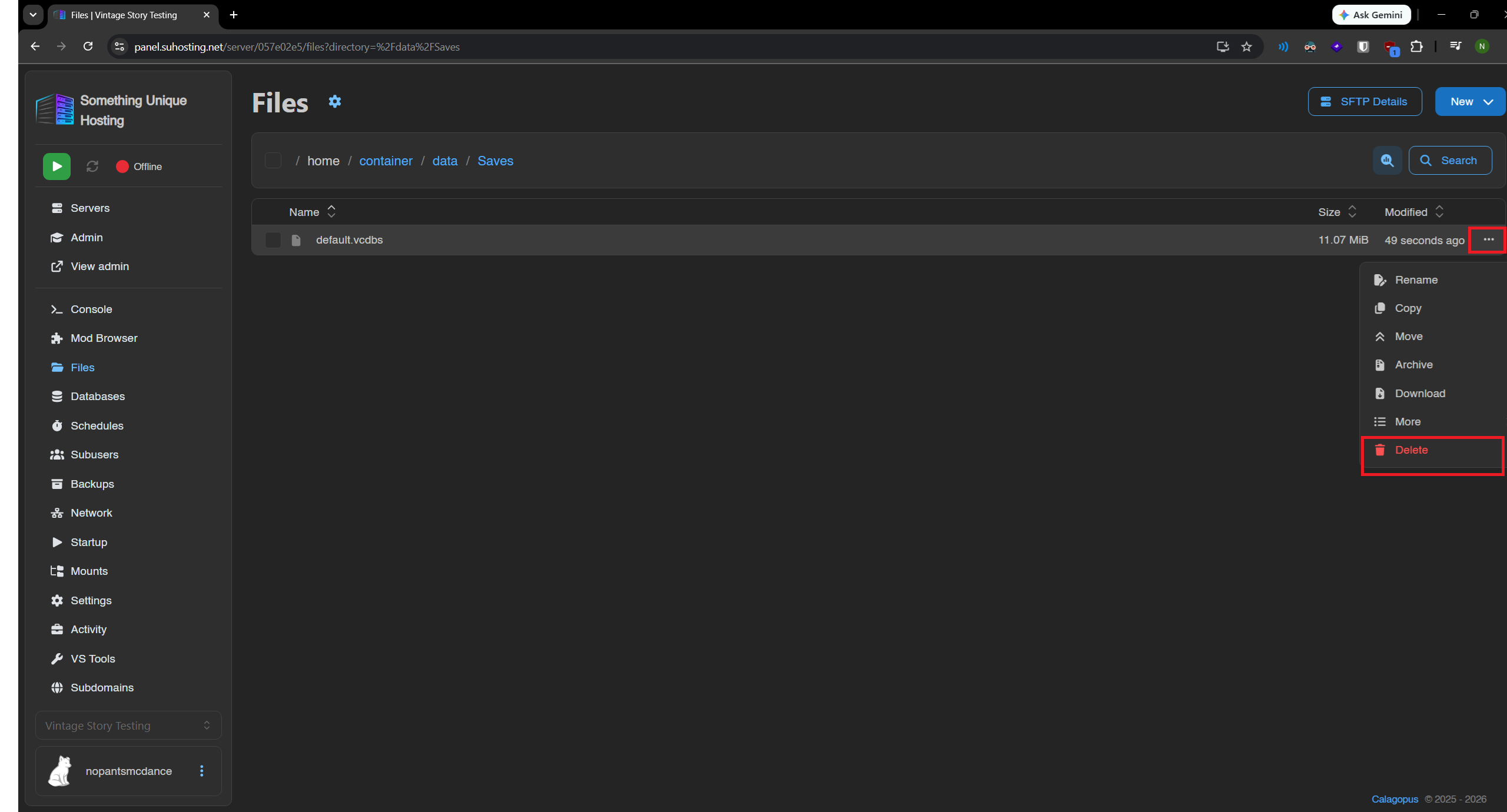
Next delete the "default.vcdbs" file. Click the "..." button and then "Delete"
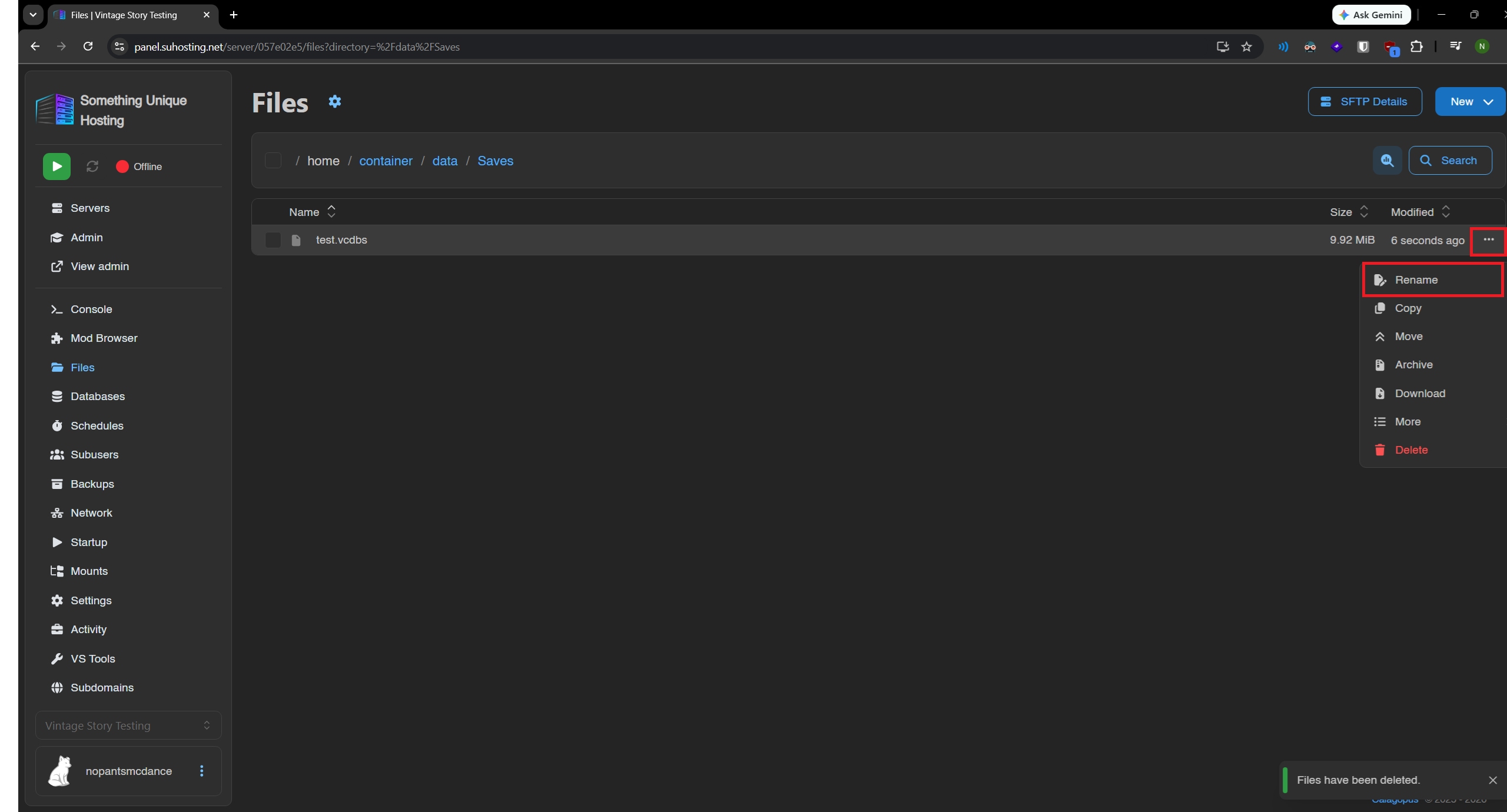
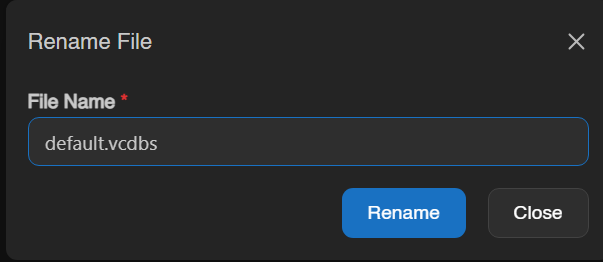
Next, open the window for the VintageStory save folder we opened earlier. Drag and drop the save you want to the game panel window to upload it to the server. After it's uploaded we need to rename it to "default.vcdbs"
After that you can start the server.