Hytale
Getting Started
Currently you must auth your server with your Hytale account. In the future this will not be needed but until then please follow the following guide.
First we must auth to download the server, when you first start the server you should see the following:
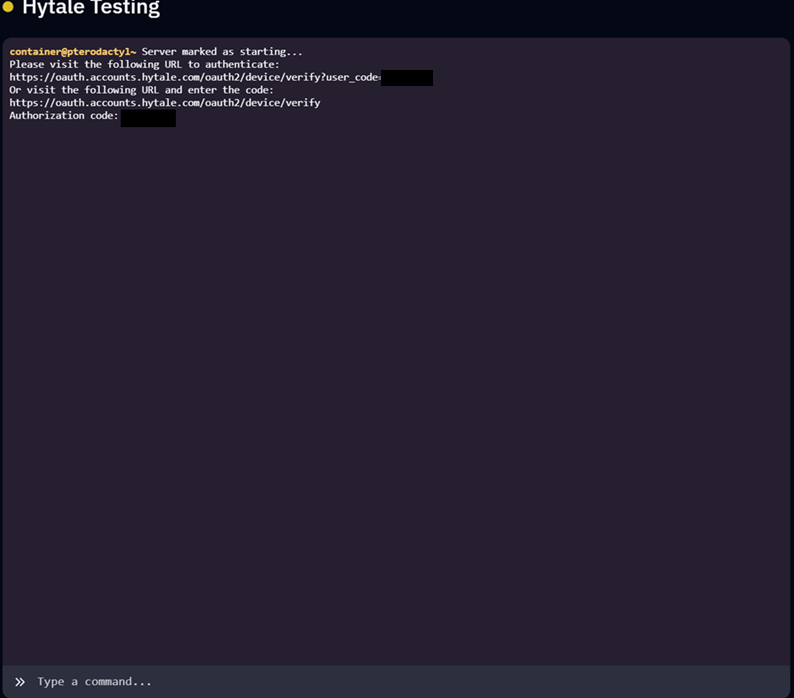
Click the first link to be sent directly to the Hytale auth website you should see the following:
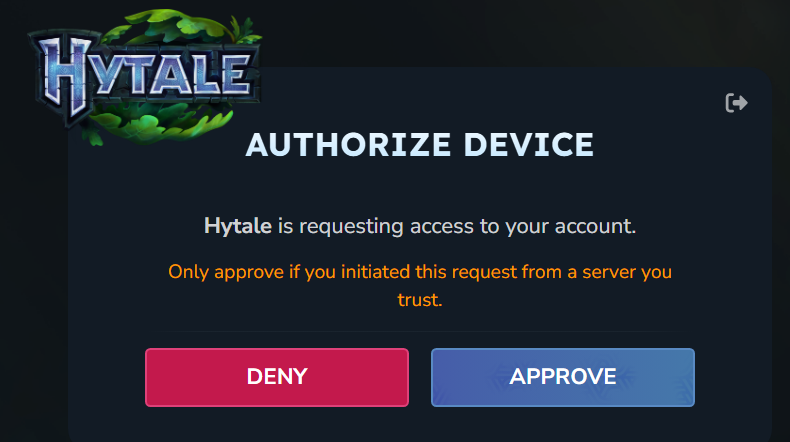
Click on the Approve button. After that you should see the following:
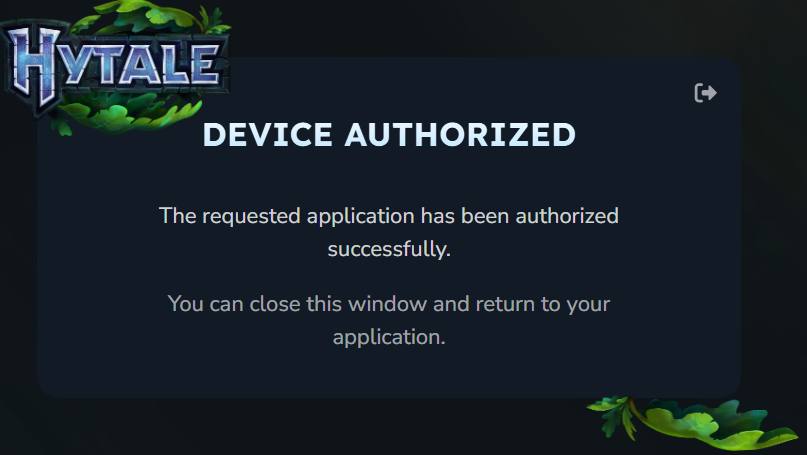
Now head back to the game panel, you should see the server files being downloaded and unzipped. Once that has the completed the server will start automatically. We will now need to auth the server itself, you should see the following message:

We want to run the command
/auth login devicewhich should show the following:
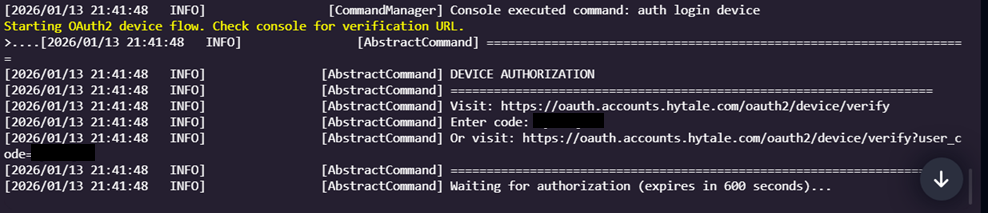
Please click the second link. You will once again be asked to approve the device, click Approve. After that you will be greeted by the same device authorized message. Once again go back to the game panel and you should see the following:

Lastly we need to make our auth persistent so we don't have to do this everytime. Simply run the command
/auth persistence EncryptedAfter that you're free to join your server. If you experience any issues please submit a ticket!