Uploading files larger than 100MB
To upload files larger than 100MB you must use SFTP. If you do not have a SFTP program I recommend WinSCP or Filezilla. Personally I prefer WinSCP.
Once you have a SFTP program head to the game panel and into your server. Click the settings tab and then the "launch SFTP" button.
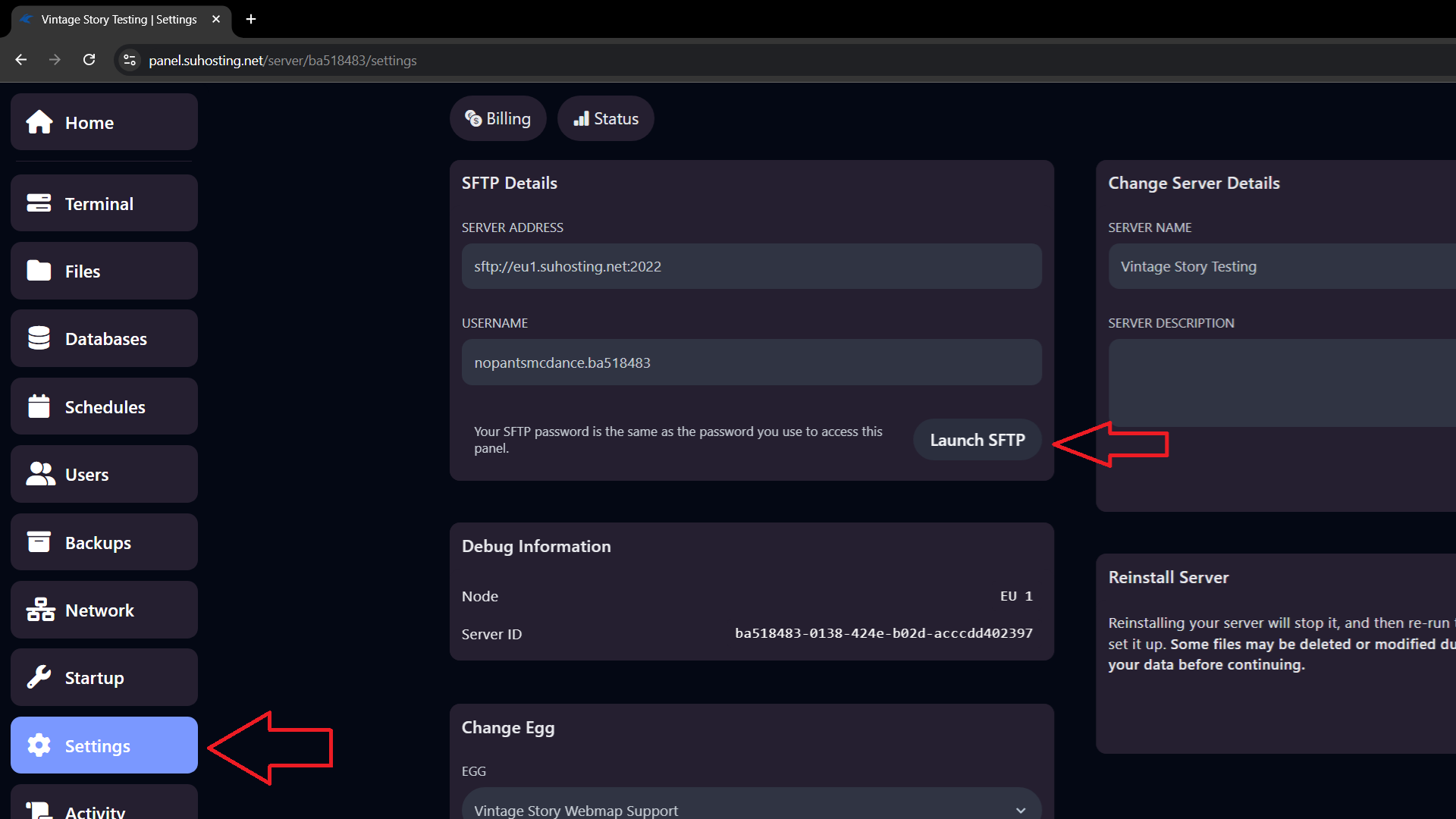
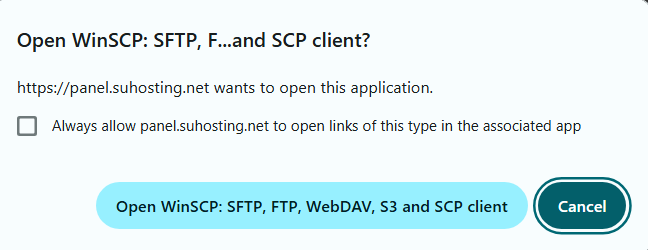
Once you click launch SFTP you should see a request to open the program you have installed. This will launch the program with the connection details filled out.
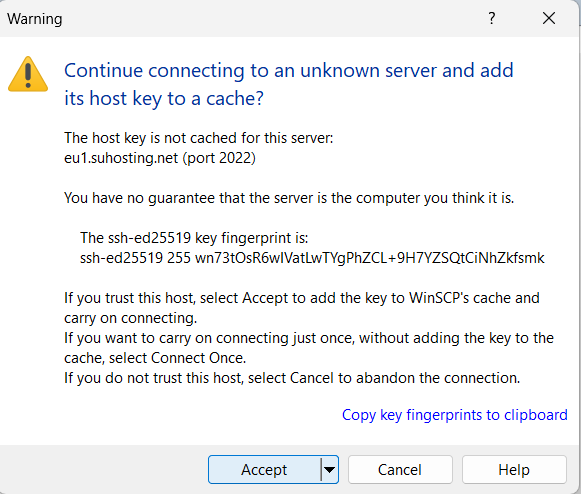
Depending on your application and if this is your first time connecting you may see a message like this, accept it
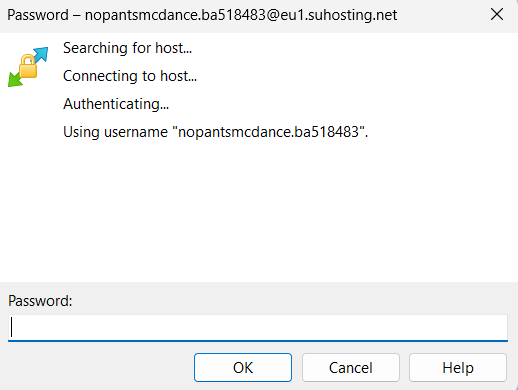
After that you simply need to put in your password. This will be the same password as your game panel server password
Once you're logged in you can drag/drop and modify files like a normal file browser.
As always if you have any questions or concerns please contact us!