You only need a database if a mod or plugin asks for one. A plain Vintage Story server never does. If nothing you run mentions MySQL, MariaDB or PostgreSQL, you can ignore this tab.
[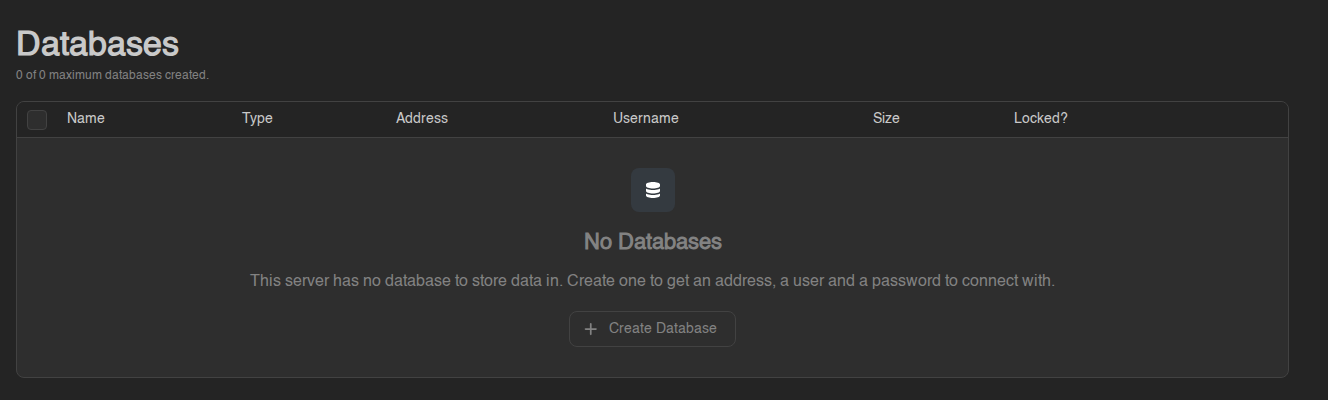](https://knowledgebase.suhosting.net/uploads/images/gallery/2026-11/db-empty-state.png) ## Your database limit The line under the title reads something like **"0 of 1 maximum databases created."** That's how many databases your plan includes, and how many you have used. - **"0 of 0"** means your current plan has **no databases**. The tab shows **No Databases** and the **Create Database** button is greyed out. Hovering it says **"This server is limited to 0 databases."** - When you have used all of them, the **Create** button is greyed out in the same way. Delete a database you no longer need to free a slot. Databases are added on request. If you need one (or one more), open a [support ticket](https://knowledgebase.suhosting.net/books/billing/page/getting-help-support-tickets) on the billing site, say which server it's for, and we'll raise your limit. [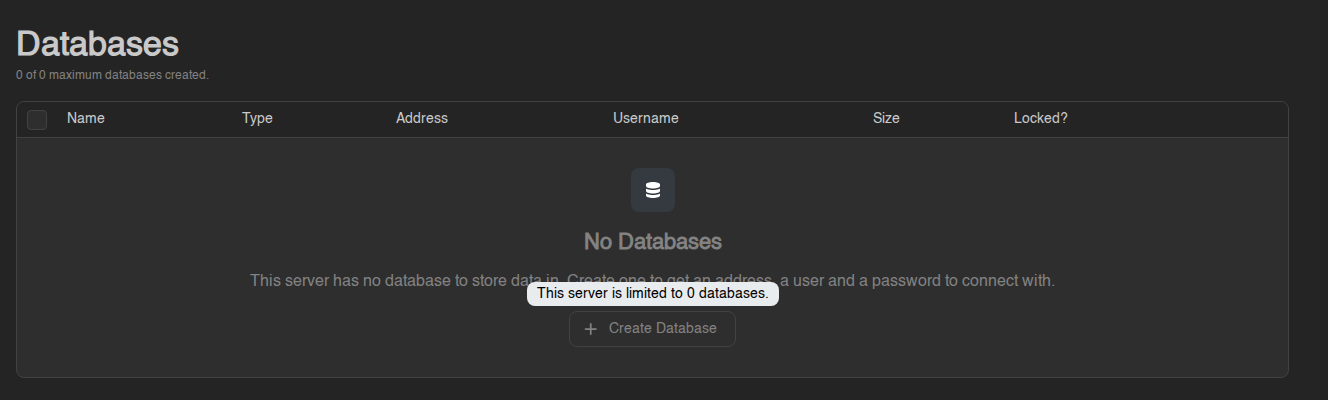](https://knowledgebase.suhosting.net/uploads/images/gallery/2026-11/db-limit-tooltip.png)If instead the tab says "No database host has been made available to it, so none can be created yet", your plan does include databases but nothing is set up for your server's location yet. Open a ticket and we'll sort it out.
## Databases and Managed Databases There are two kinds, and they share the same limit: | | **Databases** | **Managed Databases** | |---|---|---| | What you get | One database on a database server we run | A small database server of your own (PostgreSQL, MariaDB, MongoDB or Redis) running next to your game server | | Good for | Mods and plugins that just need somewhere to store data. This is what most people want. | Setups that need their own users, their own backups, or a database type other than MySQL/PostgreSQL | | Where | The **Databases** tab | The **Managed Databases** sub-tab (it only appears when a managed database can be created for your server, or already exists) | The rest of this article is about plain **Databases**. Managed Databases are summarised at the end. ## Creating a database 1. Open your server and click **Databases** in the left menu. 2. Click **Create** (or **Create Database** when the list is empty). 3. Enter a **Database Name**: 3 to 31 characters, letters, digits and underscores only. Something like `luckperms` or `stats` is fine. 4. Pick a **Database Host**. Usually there's only one. A host marked **Under Maintenance** can't be chosen right now; try again later. 5. Click **Create**. The message **"Database created."** confirms it. The panel adds a short prefix with your server's ID to the name you typed, so the real database is called something like `s390de16e_luckperms`. The **Username** gets the same prefix. Always copy the names from the panel rather than typing them from memory. If you see **"database with name already exists"**, pick a different name. ## Finding the connection details Each database is one row in the list: | Column | Meaning | |---|---| | **Name** | The full database name, prefix included | | **Type** | **MySQL** or **PostgreSQL** (tells you which driver or setting the mod needs) | | **Address** | Host and port, written as `host:port`. Click it to copy. | | **Username** | The user that can log in to this database | | **Size** | How much space the data takes | | **Locked?** | A green lock means the database is protected (see *Locking* below) | For the password and a ready-made connection string, click the **⋯** button at the end of the row (or right-click the row) and choose **Details**. The **Database connection details** window shows: - **Database Name** - **Host** (as `host:port`; if a mod asks for them separately, the part before the colon is the host and the number after it is the port) - **Username** - **Password** - **JDBC Connection String**: everything in one line, in the form `jdbc:mysql://username:password@host:port/database`. Some mods and tools accept this directly. Click in a field to select its value and copy it into your mod's config file. Then restart your server so the mod picks up the new settings.Treat the password like any other password. Anyone with these details can read and change everything in the database. Don't paste them into Discord or a public config repository.
## Rotating the password If the password has leaked, or you'd rather not reuse one that's been shared: 1. Open **⋯ → Details** on the database. 2. Click **Rotate Password**. The panel generates a new password straight away and shows it in the same window. The old one stops working immediately, so update your mod's config and restart the server. **Rotate Password** is greyed out while the database is locked. ## Looking inside: Explore Data You don't need to install a database tool to check what a mod has stored. Click **⋯ → Explore Data** on a database (MySQL and PostgreSQL only; MongoDB can't be explored from the panel). The explorer opens with the list of **Tables** on the left, each with a rough row count, and three tabs for the selected table: - **Rows**: browse the data page by page with **Previous** and **Next**. Click a column heading to sort, use **Filter** to narrow it down (for example *name* **contains** *Steve*), double-click a cell to change it, then **Save** your changes or **Discard** them. **New Row** adds a row and ticking rows enables **Delete**. - **Structure**: the table's columns and their types. This is for people who know what they are doing: **Add Column**, **Rename** and **Delete** change the table itself. - **Query**: type an SQL statement and click **Run**. The **Read only** switch is on by default and **"Rejects statements that change data or structure."** Leave it on unless you really mean to change something. **Row Limit** caps how many rows come back (up to 1000); a note tells you if the result was cut off.Everything you change in the explorer is written to the live database at once, and there is no undo. Many mods also don't like the data changing under them. Stop your server before editing, and when in doubt, only look.
## Locking a database **⋯ → Edit** opens a window with a single **Locked** switch. A locked database (green lock in the **Locked?** column) can't be deleted or recreated, and its password can't be rotated. It's a safety catch for the database your main plugins depend on. Unlock it again from the same window when you need to. ## Starting over: Recreate **⋯ → Recreate** wipes everything in the database and gives you an empty one with the **same** name, username and password, so your mod config keeps working. You have to type the **Database Name** to confirm. Use it when a mod's data is corrupted and you want a clean start without changing settings. There's no way back, so make sure you don't still need the data. ## Deleting a database 1. Click **⋯ → Delete** on the database (or tick several rows and click **Delete** at the bottom). 2. Type the **Database Name** to confirm and click **Delete**. **"Deleting a database is a permanent action, it cannot be undone."** The data is gone and any mod still pointing at it will fail to start. Locked databases are skipped. Deleting frees up a slot in your limit. ## Managed Databases in short If the **Managed Databases** sub-tab appears for your server, you can also create a complete database server of your own. It shares the same **"x of y maximum databases created"** counter as the Databases list. [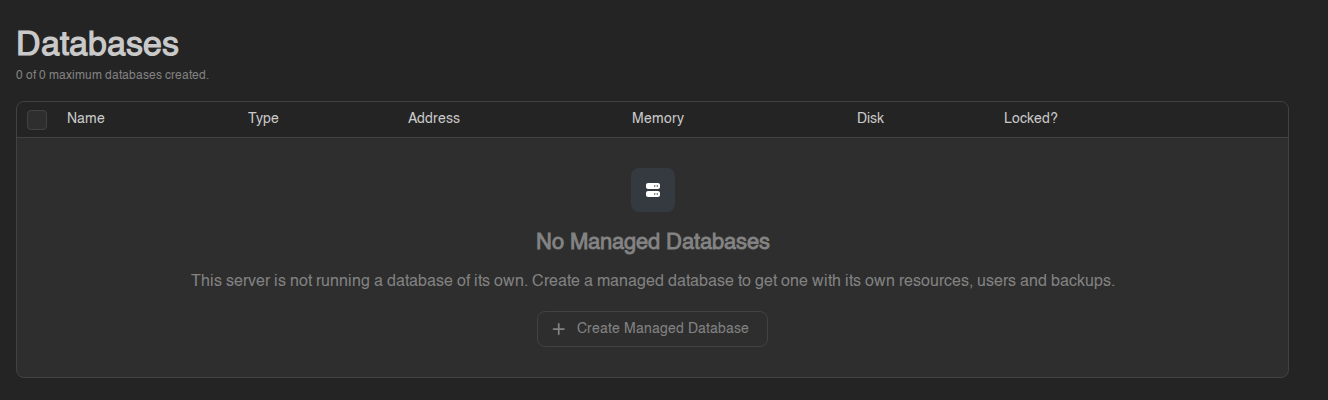](https://knowledgebase.suhosting.net/uploads/images/gallery/2026-11/db-managed-empty.png) 1. Click **Create** / **Create Managed Database**. 2. Enter a **Database Name**, choose a **Template** (the database type and version we offer) and click **Create**. Click the new row to open it. The page shows its **Address**, uptime, CPU, memory and disk, buttons to **Start**, **Restart** and **Stop** it, **Export** and **Import** a dump, and four tabs: - **Databases**: the databases inside it. Create one, and leave **"Create a user for this database"** on to get a login for it at the same time. Each one has its own **Explore Data**, **Import**, **Export**, **Recreate** and **Delete**. - **Users**: logins and what each may do (**Read Only**, **Read & Write** or **No Access** per database). **⋯ → Details** on a user opens **Database Credentials** with the **Address**, **Username**, **Password**, a **JDBC Connection String** and the **Rotate Password** button. - **Backups**: backups of the database itself. These share your plan's backup limit with your server's normal [backups](https://knowledgebase.suhosting.net/books/game-panel/page/backups-create-restore-and-download). - **Logs**: what the database server is printing, handy when it refuses to start. A managed database counts towards the same database limit as a plain one. Its databases and users must be created while it is **running**.